Introduction
Introduction
The Phyling application is unique and easy to use. Hosted locally (Phyling Hub) or in the Cloud, it lets you view recorded data in real time, analyze it and export it in csv format. For some applications, pdf analysis reports are also generated automatically.
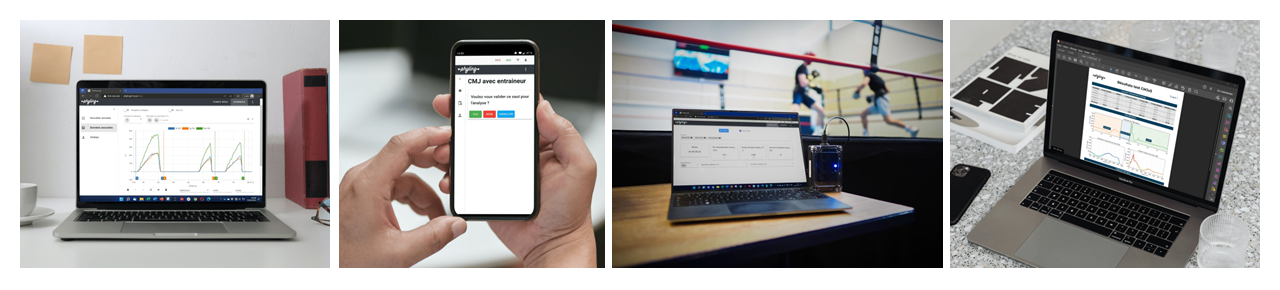
Quick start
To access the application hosted on the Hub, connect to the Hub's Wifi network and, in your favorite web browser, enter the address http://192.168.1.42
To access the Cloud application, in your favorite web browser, enter the address app.phyling.fr
Authentication takes place when the application starts, using the user's email address and a password predefined by Phyling. If you have any problem, contact the Phyling team.
The Phyling application has 3 tabs:
- Real time: Start/stop recordings, view data in real time, check sensor status, run scenarios, configure Maxi-Phyling devices, etc.
- Data: View and process recorded data
- Settings: Configuration of the application, users, etc.
Note
Depending on the application configuration, one or more of the features presented may not be active.
Users & Groups
Each user belongs to one or more Groups. They can thus access all the configurations available for their groups (for example, specific analysis modules).
For access to recorded data, we distinguish 3 types of users:
- an
Athletecan only access their own data, - a
Coachcan access all the data of their groups, - a
Managercan create groups, manage users and view all the data in the application.
For each customer, Phyling defines a Manager who can create other users (see the Settings section).